One terminal for the whole deal.
Start with the deal file. Keep one record through screening and underwriting, the memo and close, all the way to the portfolio. Edit the model, memo, and deck in the same tab. See and undo the terminal’s revisions as you work.
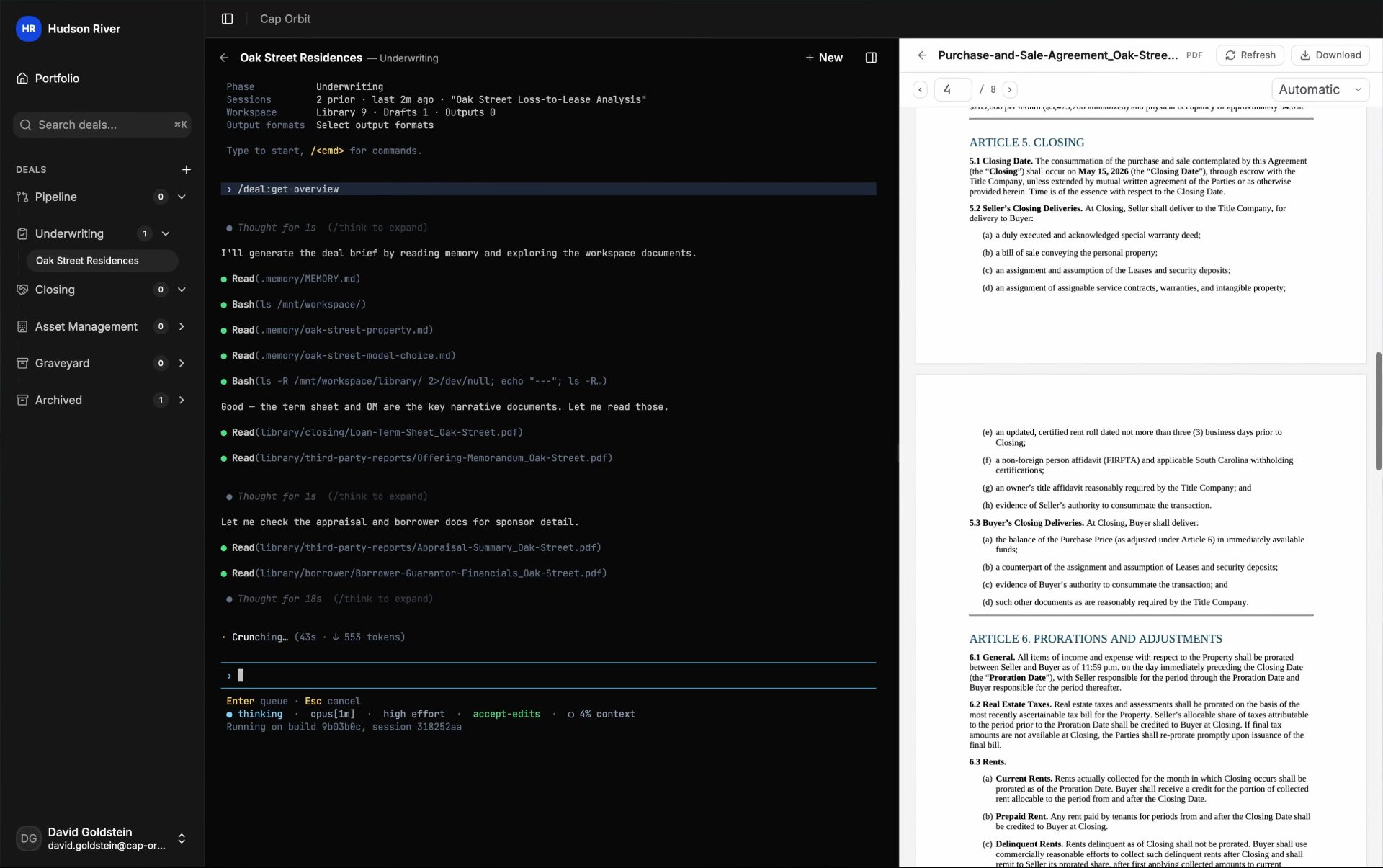
The command set
Repeat the work that works.
Use commands to extract a rent roll or build a screening model. Draft terms, review the memo, and work through closing. Save work you want to repeat as a command of your own, and share it with the team. Ask for anything else in plain English.
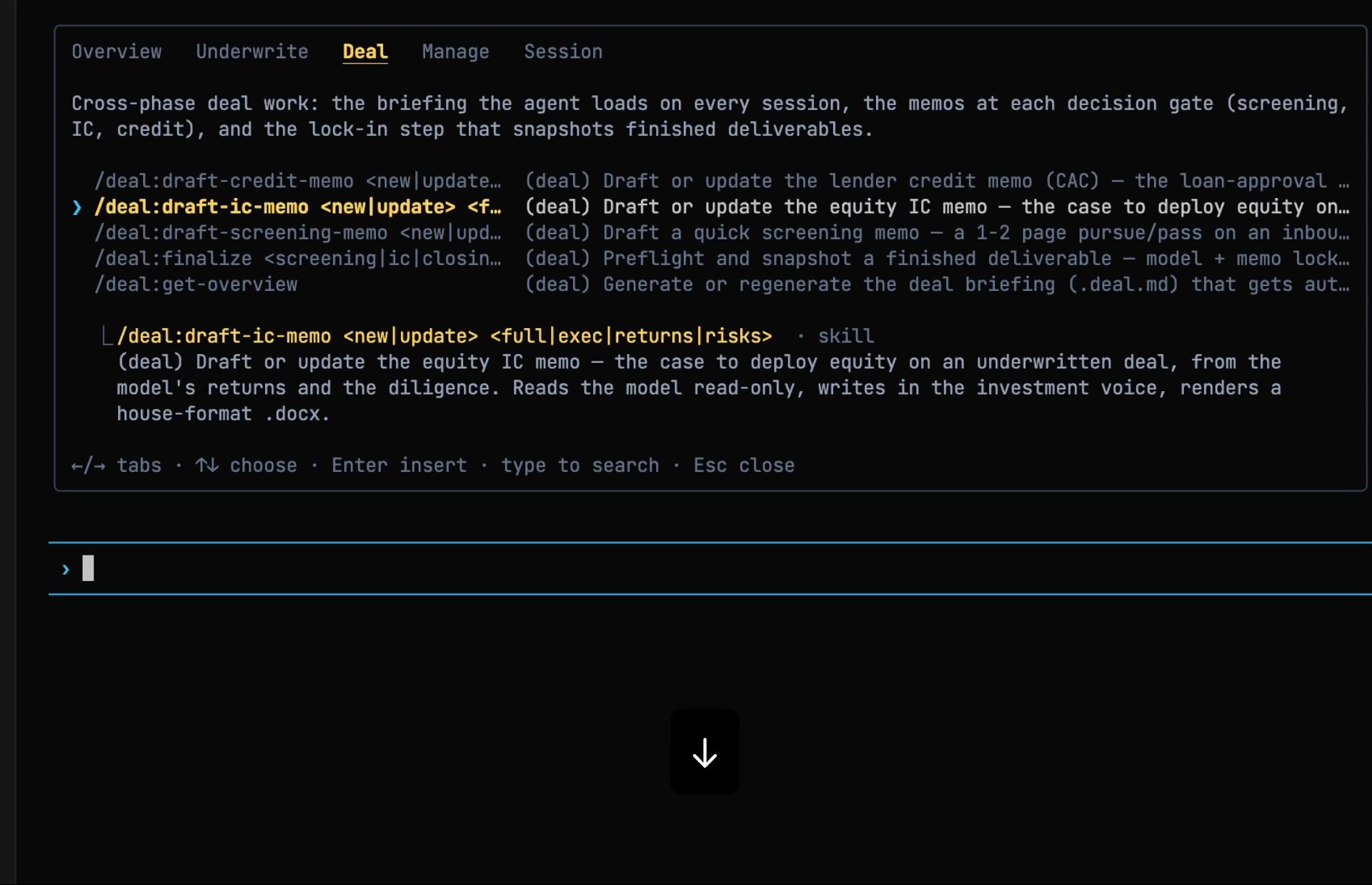
Fig · The command menu, inside the session
01 · One deal, one working record
Everything you need to pick up the deal.
- Each session works one deal at a time, with its files, its model, and its prior work in view.
- Sessions persist when the tab closes. Come back to any conversation on the deal.
- Deal memory carries the facts, parties, decisions, and feedback to the next session and the next teammate. Ask the terminal what it remembers.
- The model stays the source of truth as extracts, assumptions, and drafts move through the record.
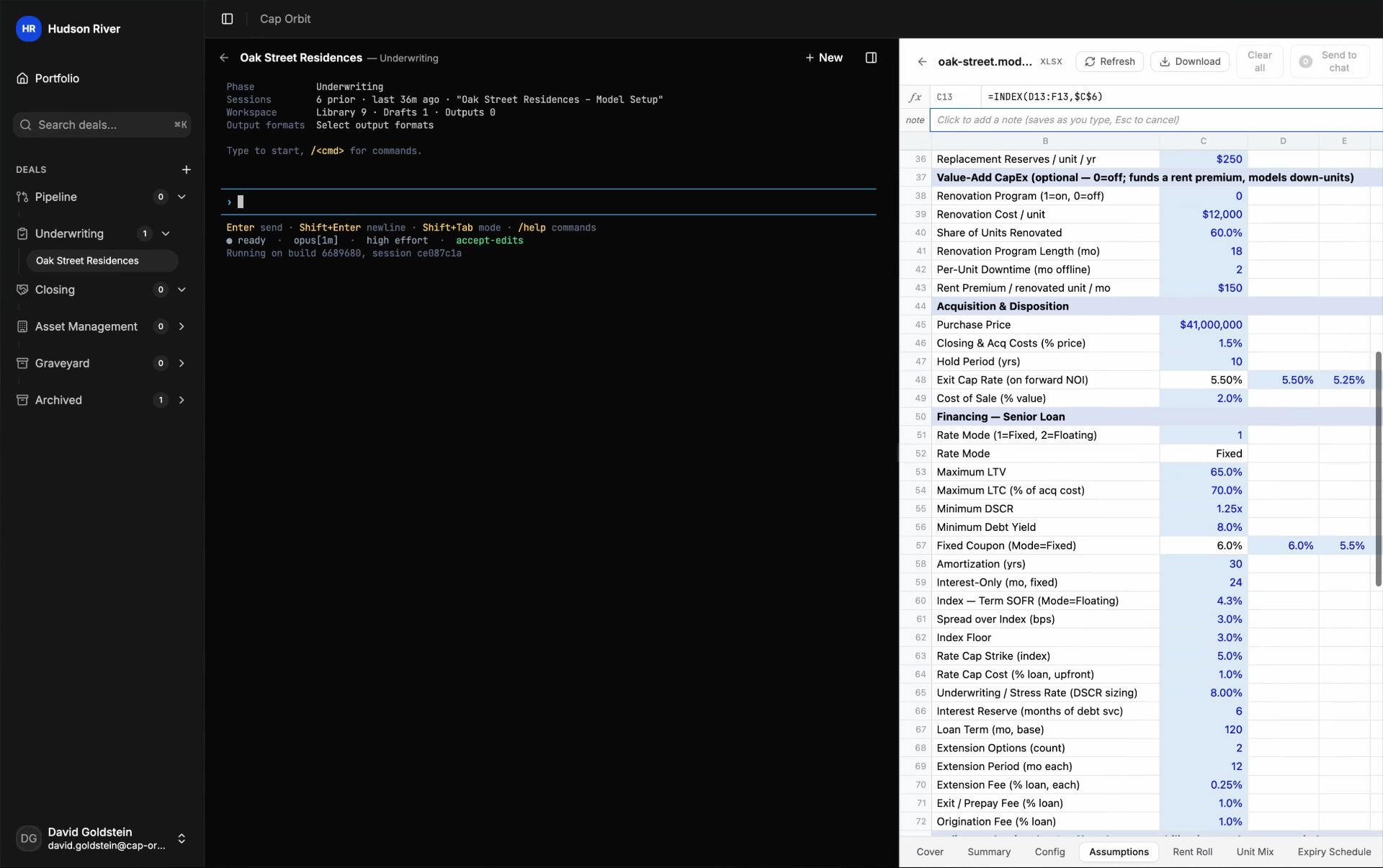
Fig · Every session bound to one deal
A deal, end to end
From the broker’s first email to a memo the committee can read.
Bring the same process to every deal. Here is the path from first look to a finished memo.
- 01
01
Screen the deal
Run the broker’s headline numbers through the screening model. Give the team a first read that morning.
- 02
02
Normalize the rent roll and the T-12
Turn a raw rent roll and trailing-twelve into clean extracts that feed the model, with an NOI bridge.
- 03
03
Set assumptions and size the debt
Set revenue, expense, and capex assumptions. Underwrite the debt terms, quoted or assumed, and size the debt against them.
- 04
04
Draft the IC memo
Produce the memo in the firm’s house format, recommendation first, every number traced to the model or a cited source. Then mark it up in the document, every change tracked.
- 05
05
True up at closing
Reconcile the settlement statement against the contract, the loan, and the underwrite. Write the trued-up going-in basis back into the model.
02 · How the work moves
Stay with the deal as the questions change.
- Move from question to extraction to assumption to draft without leaving the deal.
- Select a cell, a page, or a paragraph and send it to the session with the page number. Or leave a comment in the file, mention the terminal, and the reply lands in the thread.
- The terminal can browse the web from the session while you watch. Hit a sign-in or a paywall and you step in, then hand back. A file behind a download button is saved into the deal.
- Come back and the prior work, the open questions, and the conversation are still in front of you. Step away for a few minutes and you get a recap.
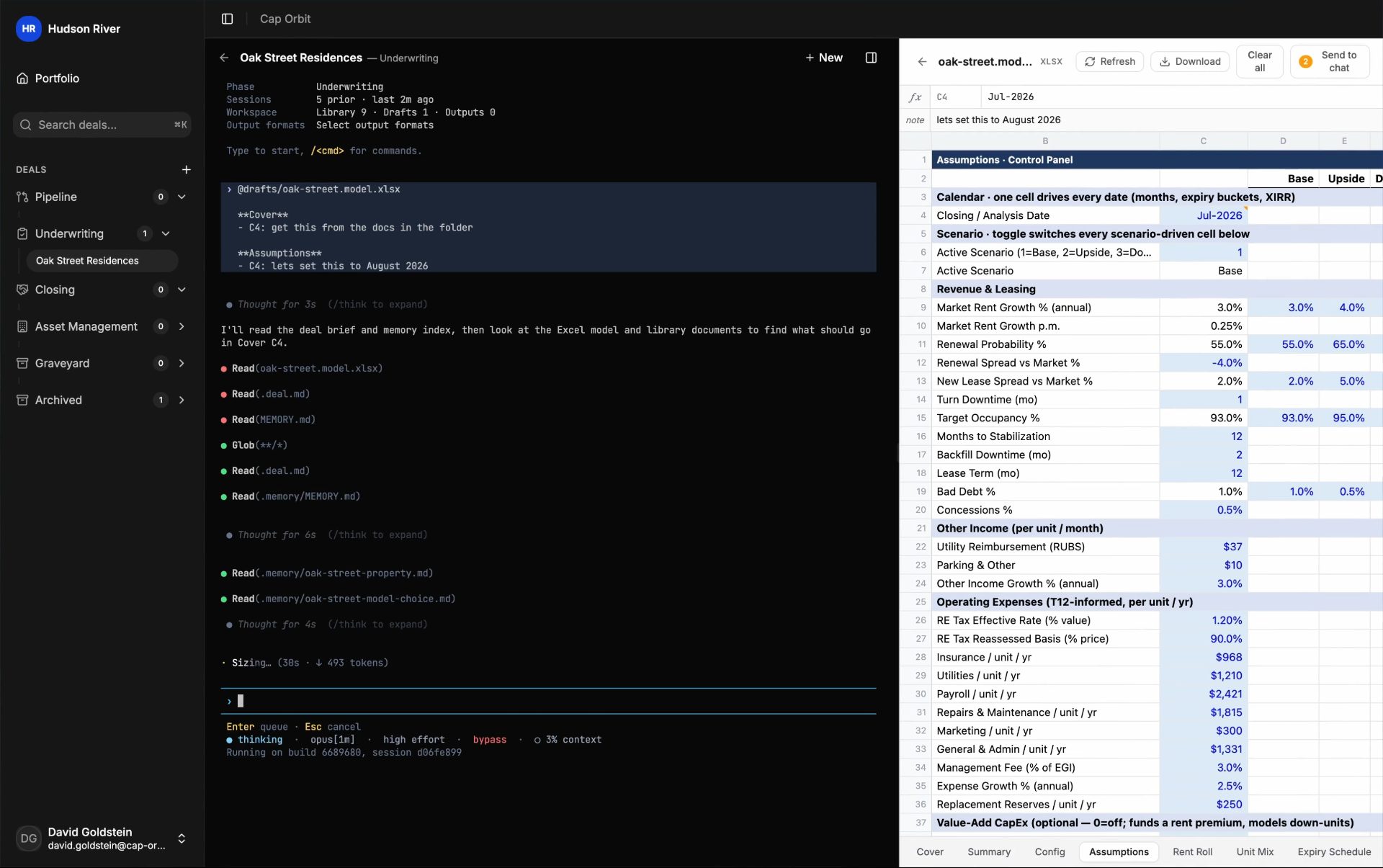
Fig · One thread, from question to draft
The command set
Carry one deal across its whole lifecycle.
The same terminal carries a deal from first look to the book, with repeatable commands for every phase and the full record behind each output.
Pipeline
Screen the deal
Turn a teaser or OM into first-look numbers the day it lands: the screening model, then the pursue-or-pass note, sourced and ready to weigh.
Underwriting
Build the underwrite
Normalize the rent roll and the T-12 into the model, size the debt and set the assumptions, then draft the indicative terms.
Investment committee
Draft the memo
Produce the IC and credit memos in the firm’s house format, and review the memo for findings before it goes.
Closing
True up at closing
Draft the term sheet with a redline beside the clean version, run the closing checklist, and reconcile the closing statement back into the model.
Asset management
Monitor the asset
Update the period trackers, check covenant standing against the loan terms, and refresh the underwrite as periods close.
Portfolio
Read the book
Run the portfolio report, the sponsor exposure, and the portfolio workbook off each deal’s locked summary to see concentration before the next deal prices.
From first read to final decision
Move at the pace of a live deal.
Keep the same process from the first source document to the portfolio report. Your team can be working on a live deal within 24 hours.
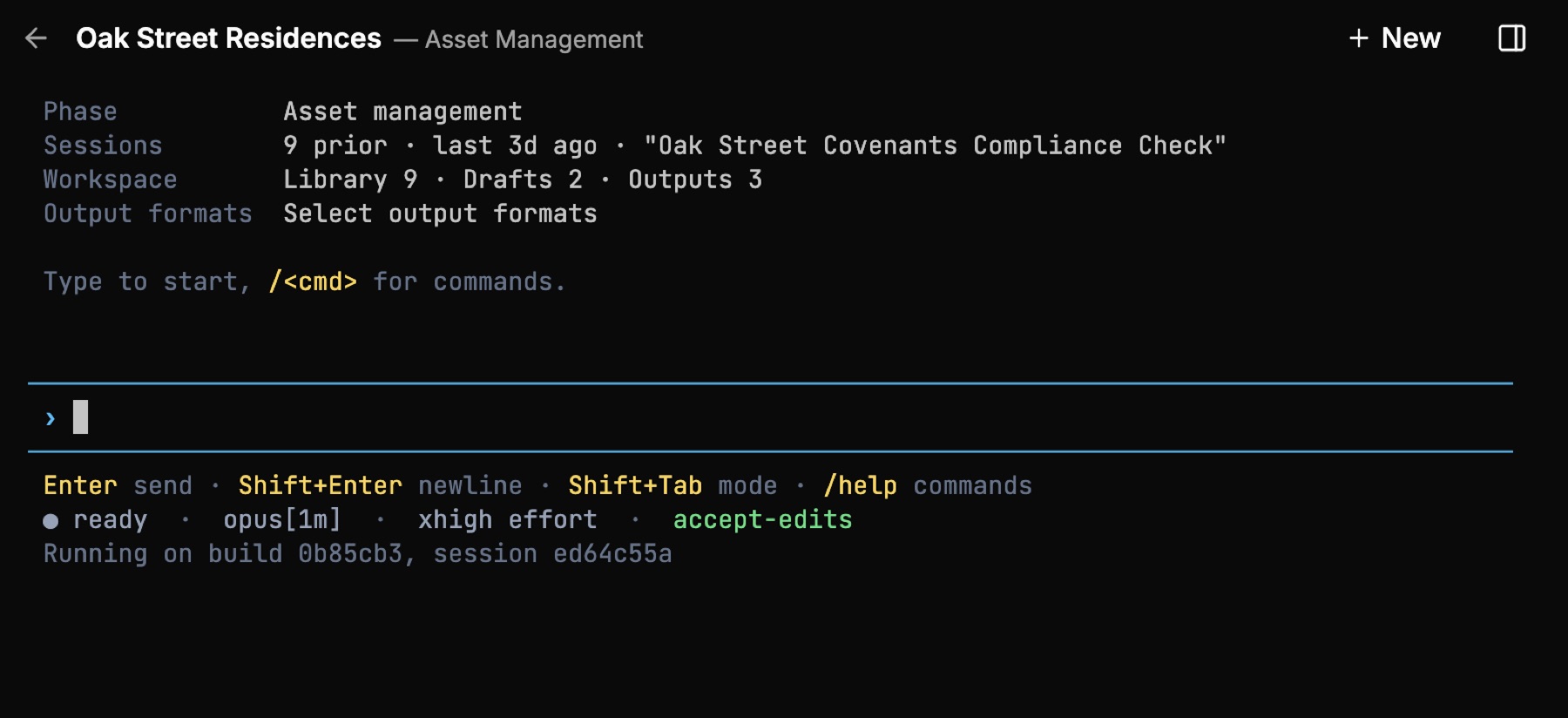
Fig · One surface, the analyst in command
Your analysts direct the work. You own the investment decision.
Your team weighs the price and credit risk. You make the recommendation and own the investment decision.
Numbers in hand before the meeting
Screening produces the first-look numbers the day a teaser lands, ready to weigh.
Every figure sourced to the line
Commands that pull data normalize it into the model with every figure traced back to its source.
Every step yours to direct
Confirm each proposed assumption before it is written. Use Ask the VP for a senior review at key decisions. Review the work and move when you’re ready.
03 · Private by design
Your edge stays yours.
- Customer files, prompts, outputs, models, and work product stay inside your environment and are not used to train models.
- The portfolio view is a separate read across deals, available only to the people you choose.
- Enterprise deployments run in your own cloud account, with SSO and customer-held keys.
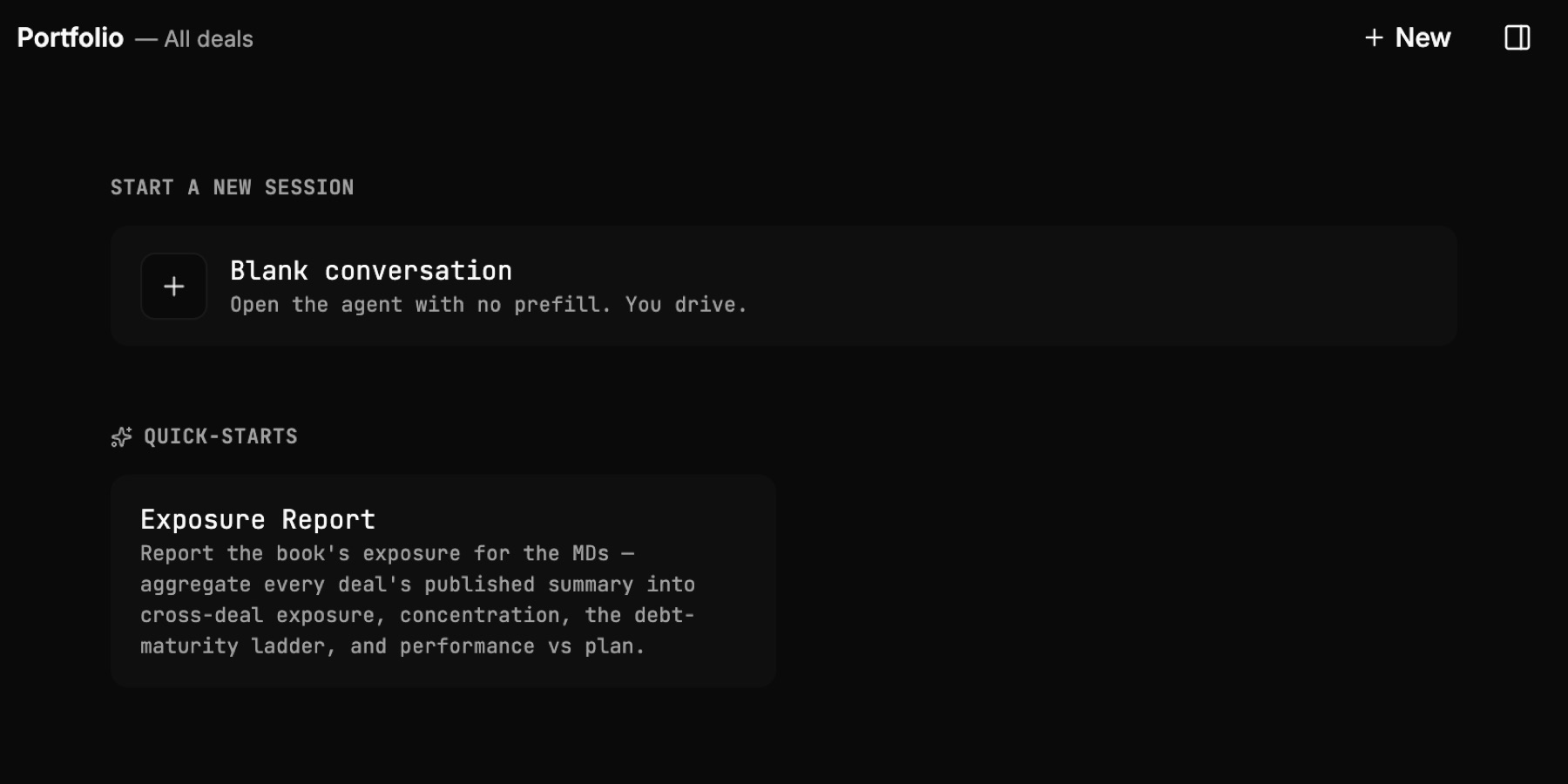
Fig · Inside your environment, under your control